
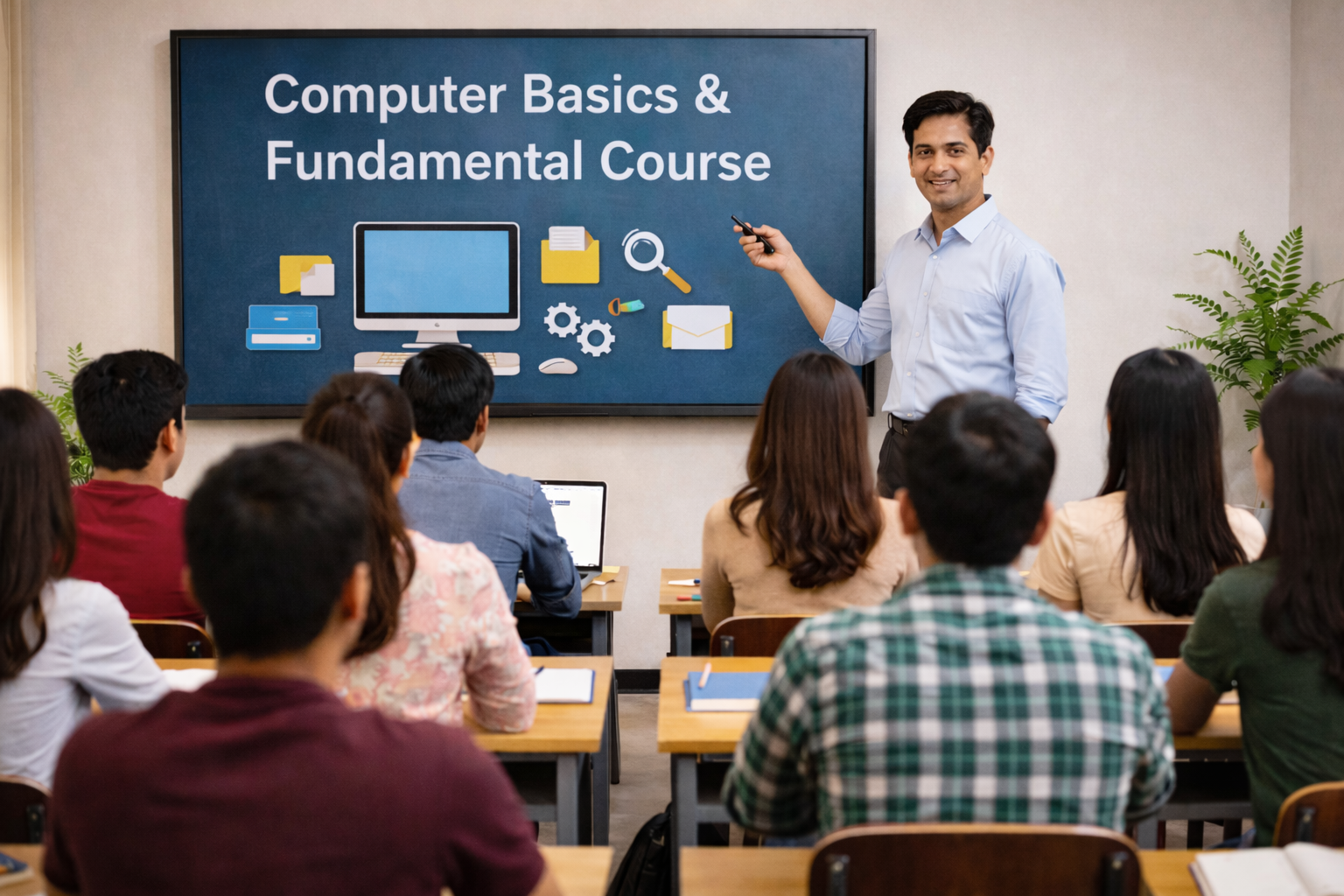
Computer Basics & Fundamentals Course
Master essential computer skills from scratch! This beginner-friendly course covers everything from basic operations to software applications, preparing you for modern digital world.
✅ No Prior Experience Needed
✅ Practical Hands-on Training
✅ Certificate Included
✅ Job-Ready Skills
₹3999 /- Only ₹7999
50% OFF • Limited Seats
Course Overview
This course introduces learners to the basic components of a computer, operating systems, essential software, internet usage, and practical computer operations. It is ideal for anyone with little to no prior experience.What You Will Learn
Introduction to Computers
• What is a computer?• Types of computers (desktop, laptop, tablet)
• Basic computer terminology
• Understanding hardware vs. software
Computer Hardware Components
• Input devices (keyboard, mouse, scanner)• Output devices (monitor, printer, speakers)
• Storage devices (HDD, SSD, USB drives)
• CPU, RAM, motherboard basics
Operating System Basics
• What is an Operating System (OS)?• Introduction to Windows OS
• Desktop, taskbar, icons, file explorer
• Creating, saving, and organizing files & folders
Microsoft Office Essentials
• MS Word: Creating and formatting documents• MS Excel: Basic formulas and data entry
• MS PowerPoint: Making presentations
Internet & Email Skills
• What is the Internet and how it works?• Web browsing, downloading, and online safety
• Creating and using an email account
• Understanding social media platforms
Basic Troubleshooting
• Common computer problems & quick fixes• Installing and uninstalling software
• Device management (printers, USB, Wi-Fi)
Digital Safety & Security
• Safe browsing practices• Password creation and protection
• Virus & malware awareness
Course Duration
• 1 to 2 Months (depending on batch)Who Can Join?
• Students• Job seekers
• Working professionals
• Beginners with no computer knowledge
Outcome
• After completing this course, you will be able to confidently operate a computer, use essential applications, browse the internet safely, and complete daily digital tasks with ease.Get Free Demo Class
Fill details to get callback in 30 minutes